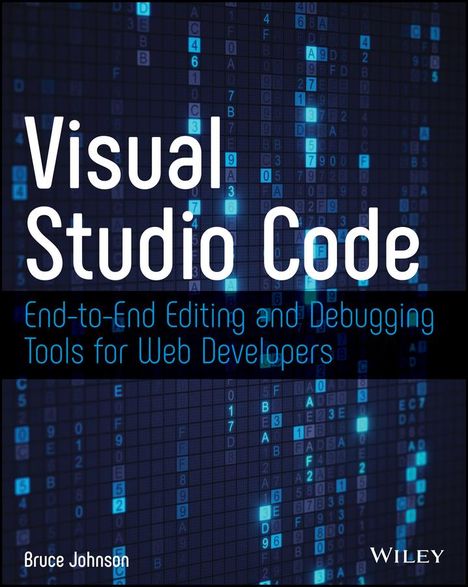
Bruce Johnson: Visual Studio Code, Kartoniert / Broschiert
Visual Studio Code
- End-To-End Editing and Debugging Tools for Web Developers
(soweit verfügbar beim Lieferanten)
- Verlag:
- Wiley, 09/2019
- Einband:
- Kartoniert / Broschiert
- Sprache:
- Englisch
- ISBN-13:
- 9781119588184
- Artikelnummer:
- 9746527
- Umfang:
- 192 Seiten
- Gewicht:
- 345 g
- Maße:
- 236 x 187 mm
- Stärke:
- 15 mm
- Erscheinungstermin:
- 11.9.2019
- Hinweis
-
Achtung: Artikel ist nicht in deutscher Sprache!
Klappentext
A complete guide to working with the popular code editor from Microsoft
The choice of a code editor is an important one for any web developer. Visual Studio Code, the free and open-source editor from Microsoft, has swiftly become a favorite in the coding community. It provides all the basics in a lightweight package and adds a number of features that set it apart from other editors. Whether you are new to the program or are already a user, Visual Studio Code will equip you with a thorough knowledge of the out-of-the-box functionality and the available extensions for your cross-platform code editor of choice.
This book is appropriate for developers using Visual Studio Code on Windows, Mac, or Linux, and guides you through the installation process for each platform. A detailed inventory of features follows the development workflow, so you can follow along with this book to set up your workspace, project files, code editing tools, and source control integration as you go. Additionally, Visual Studio Code guides you through the extensibility features of the code editor, so you can locate and install key extensions, from additional language support to useful new functionality. Finally, this book will show you how to create your own extensions to make Visual Studio Code exactly what you need your code editor to be. Visual Studio Code is an essential guide to:
- Navigating and customizing the workspace
- Editing code in your language of choice using syntax coloring, refactoring support, and other productivity-enhancing features
- Choosing and implementing a file structure appropriate to your needs
- Integrating with external tools, including native support for Git
- Debugging code in both .NET Core and node. js